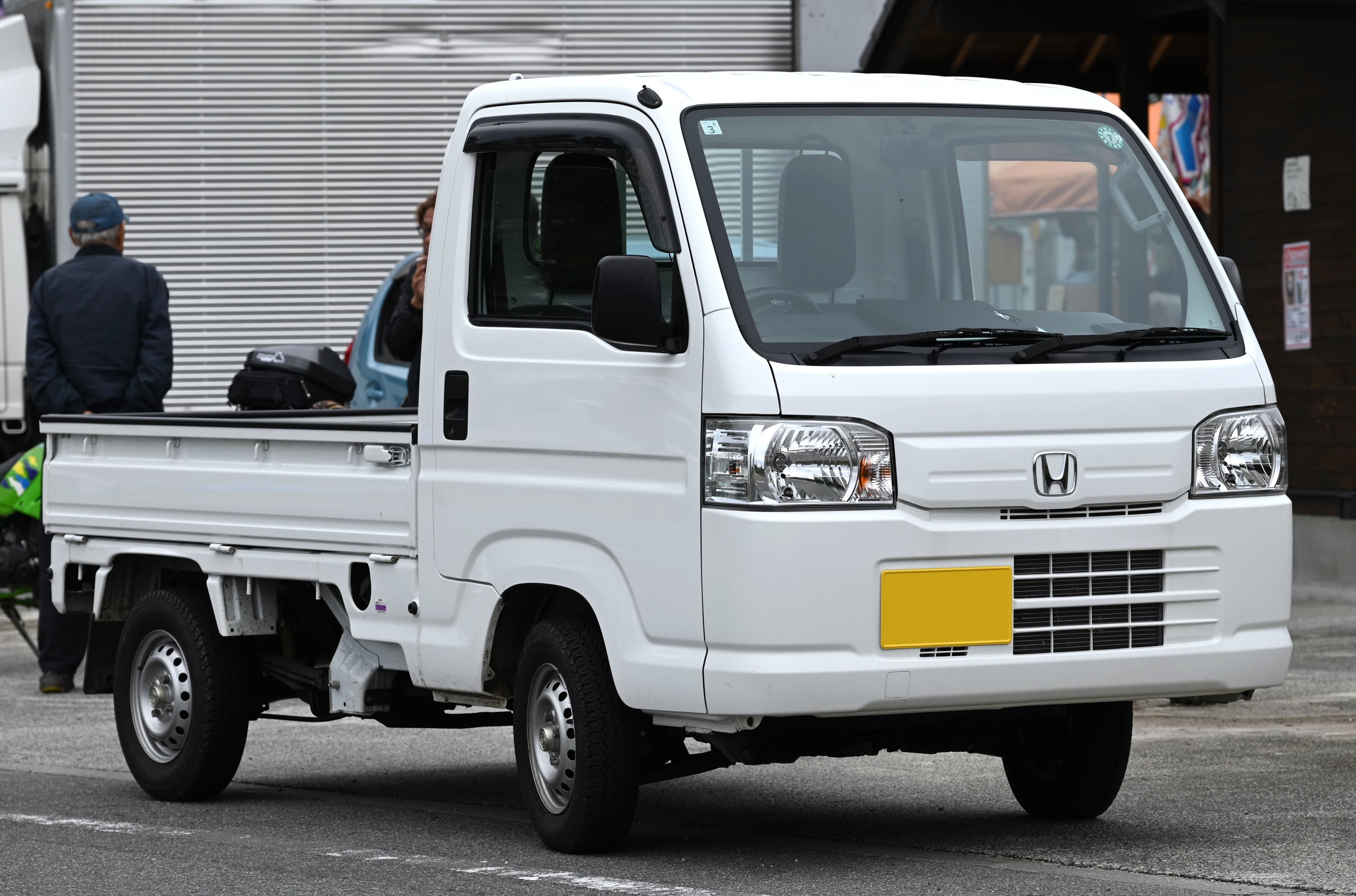
Overview
The factory radio in The Cab is AM/FM with a cassette deck. A cassette deck. In 2026. I recorded a playlist on a cassette tape just to say I could — Maria was not impressed. The upgrade to Bluetooth took me 45 minutes, and now I stream podcasts and music from my phone like a normal human being. This is the mod with the best effort-to-reward ratio on any kei truck.
Replacing the head unit with a modern single-DIN Bluetooth stereo gives you hands-free calls, wireless music streaming, USB charging, and better sound from the same factory speakers. If you're daily driving your kei truck, this makes the commute bearable. If you're on a road trip, it makes it fun. Works on everything from the Suzuki Carry to the Subaru Sambar — the DIN slot is universal.
Most kei trucks use a standard single-DIN radio slot (roughly 7 inches wide by 2 inches tall), which means the vast majority of aftermarket head units will fit with minimal modification. The wiring is simple: power, ground, and two or four speaker connections. The entire job can be done with basic hand tools and no prior car audio experience.
Tools Needed
You will need a Phillips screwdriver, a 10mm socket or nut driver, a panel removal tool (or a flat-head screwdriver wrapped in tape), wire strippers, crimp connectors or solder and heat shrink, and electrical tape. A wiring harness adapter specific to your truck's make eliminates the need to cut factory wiring and is strongly recommended — it plugs into the truck's existing connector on one end and your new head unit's harness on the other.
Installation Steps
Disconnect the negative battery terminal before starting any electrical work. Remove the factory radio trim panel — on most kei trucks this involves removing two to four Phillips screws and gently prying the panel away from the dashboard. Pull the factory radio out of the dash cavity and disconnect the wiring harness and antenna cable from the back.
Connect the wiring harness adapter to the new head unit's pigtail. The connections are color-coded and standardized: yellow is constant 12V (memory), red is accessory/switched 12V, black is ground, and the speaker wires are paired by color for each channel. Match each wire, crimp or solder the connection, and insulate with heat shrink or electrical tape. Plug the adapter into the truck's factory connector and connect the antenna cable to the new head unit.
Slide the new head unit's mounting sleeve into the dash opening, bend the retention tabs to secure it, then slide the head unit into the sleeve until it clicks. Reinstall the trim panel, reconnect the battery, and test all functions: Bluetooth pairing, FM reception, speaker output from all channels, and USB charging.
Tips and Warnings
If your kei truck only has two speakers (common on base-model trucks), the rear speaker outputs on the new head unit will simply go unused. You can add a pair of inexpensive 4-inch speakers in the doors or kick panels later if you want stereo separation and fuller sound. Even with just the two factory speakers, the sound quality improvement from a modern head unit with a built-in amplifier is noticeable.
For trucks with a lot of road noise (which is most kei trucks), consider adding a small amount of sound-deadening material like Dynamat to the door panels when you have them apart. Even a single sheet per door noticeably reduces vibration and improves audio quality, and it takes only a few extra minutes while you already have the panels off.
What's Next
Since you've already got the door panels off, now is the perfect time to do LED headlights — similar skill level, same tools. Or go bigger with an exhaust upgrade so the engine sounds as good as the stereo. For the full interior comfort package, Jake's maintenance guide covers HVAC fixes that'll keep you comfortable while you enjoy that new Bluetooth. Total time: 45-90 minutes. Total cost: $90-180. Difficulty: 3/10.